
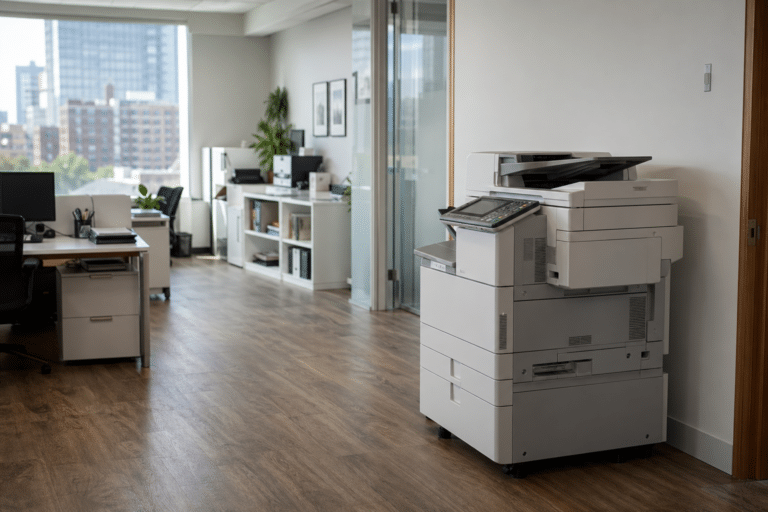
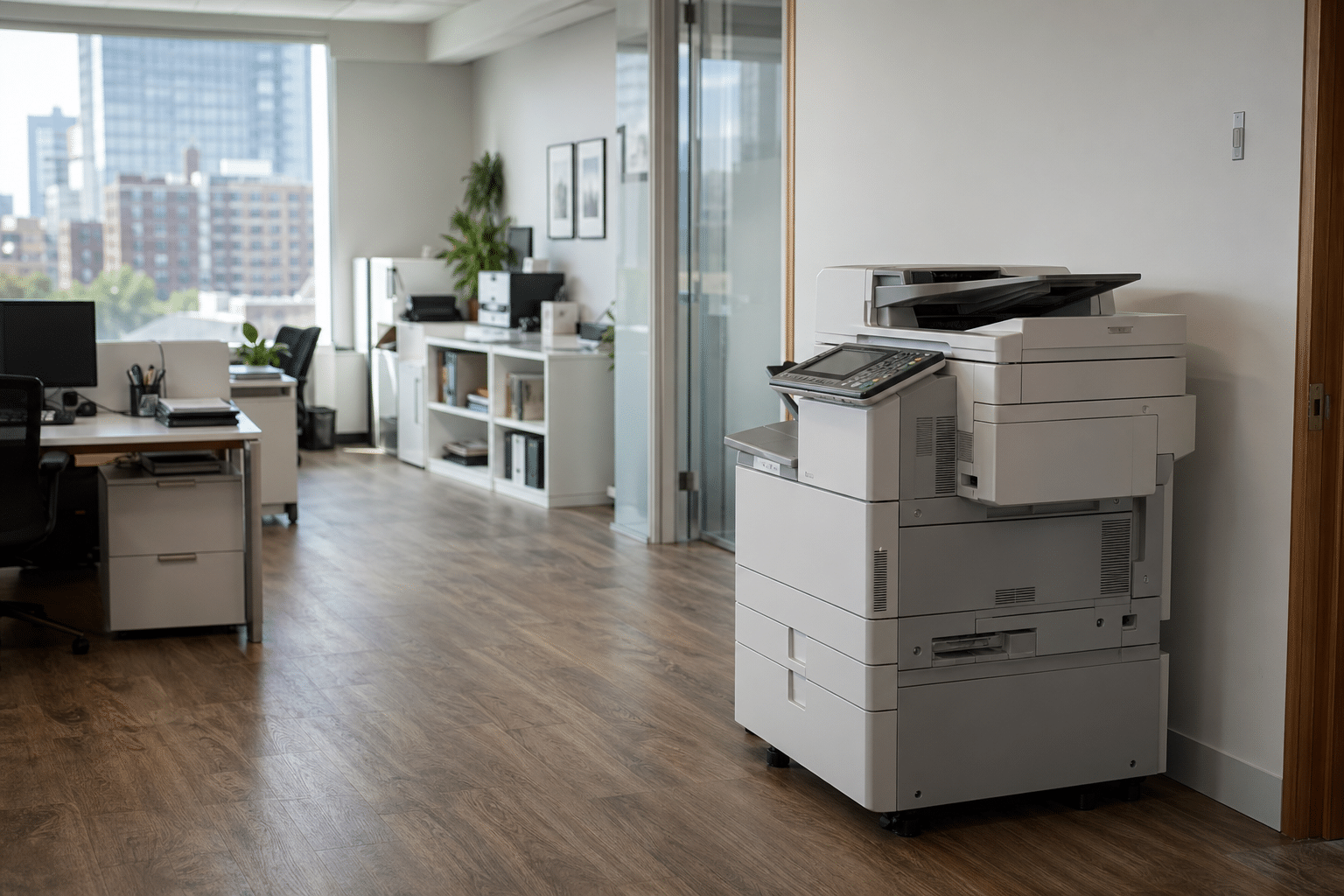
When your copier goes down at a busy Queens office, every minute of downtime puts client deadlines and team productivity at risk. The fix needs to be fast, the technician needs to know your machine, and the parts need to be on the truck.
ABC Computer Services has spent more than 30 years repairing office equipment across Queens, Brooklyn, Manhattan, and the rest of New York City. This guide walks through what to expect from professional copier repair in Queens, what most failures actually cost in time and money, and how to choose a service partner that shows up when it matters.
Key Takeaways
- Most Queens copier failures fall into five categories: paper path jams, fuser issues, drum or imaging unit wear, scanner faults, and network or driver problems.
- Same-day on-site service for Queens is the difference between a one-hour interruption and a two-day work stoppage.
- Stocked vehicles matter. A technician without the right belt, fuser, or roller is just an inspection visit, not a repair.
- Service contracts that include preventive maintenance cut emergency repair frequency by roughly half compared to break-fix only.
Why Queens Businesses Need Fast Copier Repair
Queens runs on small and mid-size offices: medical practices, accounting firms, law offices, real estate brokerages, and dozens of niche professional services. Each of them has a copier or multifunction printer that has to print invoices, scan client files, and run a steady stream of legal-size or tabloid output.
When that machine fails on a Tuesday morning, work doesn’t slow down. It stops.
A repair partner that can be on-site the same day, with the parts already on the truck, prevents a missed payroll run or a delayed closing.
Local response also matters because Queens streets and buildings are not friendly to a technician who is not familiar with them. Tight parking, freight elevators with limited hours, and walk-up offices change how fast a tech can get to your machine.
Knowing the borough is part of the service.

Queens Copier Service at a Glance
Figures reflect ABC Computer Services service desk averages, calendar year 2025.
The 5 Most Common Copier Failures We See in New York Offices
Paper path jams are the single most reported issue. They almost always trace back to worn pickup or feed rollers, a torn separation pad, or paper that has absorbed too much humidity in a stockroom that lacks climate control.
Fuser problems show up as wrinkled output, light or smeared images, or hard-stop errors. Fusers are wear items.
They have a documented page-count life and usually need replacement somewhere between 150,000 and 300,000 pages depending on the make and model.
Drum and imaging unit wear causes streaks, gray banding, and fading. The imaging unit on a multifunction printer is one of the higher-cost consumables, but waiting too long to replace it produces output that no client wants to see on a deliverable.
Scanner failures, including ADF rollers and CCD calibration drift, have grown as more offices scan in volume for digital records. The fourth common failure category.
The fifth, network and driver issues, is the one that looks like a hardware problem but is usually a Windows update, a SMB version mismatch, or a switch port issue.
What Same-Day Service Actually Looks Like
Same-day service in Queens is a logistics promise, not a marketing line. To make it real, a service provider needs three things: a tech who knows your model, a vehicle stocked with the parts that match the failures you see most often, and a dispatch system that triages calls instead of running them in order received.
When you place a service call, expect a question or two about the symptom, the model, and the recent error code. That triage is what lets the dispatcher route the right technician with the right parts.
A copier service that just sends whoever is closest is going to miss on parts more often than they hit.
On arrival, a competent technician confirms the failure mode, checks adjacent wear items so you don’t have a return visit next week, and documents the work for your service history. That history is what makes future repairs faster and gives you the data you need at contract renewal.

Brands and Models We Service in Queens
Most Queens offices run one of four brands: Canon, Konica Minolta, Ricoh, or HP. Each brand has its own quirks.
Canon imageRUNNER models are network-friendly but need careful attention to drum and developer assembly timing. Konica Minolta bizhub units are workhorses but demand fuser and roller replacements on a strict schedule.
Ricoh’s MP and IM series are common in legal and accounting offices and are forgiving on consumables but unforgiving on user error around finishing options. HP LaserJet and PageWide units are the most common in smaller offices and are usually serviced as full-replacement units rather than component repair.
Whatever the brand, what matters is whether your service provider stocks the parts and has trained on the firmware. Ask for technician certifications, and ask about parts inventory in the local warehouse before you sign anything.
When to Repair, When to Replace, When to Upgrade
A simple rule: if the cumulative repair cost in a 12-month window exceeds 50 percent of the machine’s current market value, replacement is the better call. The math gets more nuanced when you factor in service contracts, lease terms, and consumable pricing, but the 50 percent rule is a fast first filter.
Replacement is also the right answer when the manufacturer has end-of-lifed parts. Once a machine is on parts-as-available status, downtime risk goes up sharply.
A six-year-old workhorse with no parts pipeline is a liability.
Upgrade conversations should include managed print services, total cost per page, and whether your scan-to-folder and scan-to-email workflows still match how your team actually moves documents. Modern multifunction printers do a lot more than print, and most offices are paying for capabilities they never turned on.
Choosing a Copier Repair Partner in Queens
Three questions separate a real service partner from a dispatch operation. First: what is your average response time for Queens, in writing.
Second: what parts do you stock on the truck for my model. Third: who is the technician assigned to my service area, and how long have they been on this brand.
Get those answers in writing. A service contract should also include a documented escalation path, a loaner program for extended outages, and clear language on what is covered and what is billable.
Vague contract language is where surprise invoices come from.
ABC Computer Services has been on the ground in New York since 1992. Our techs live in the boroughs, our parts warehouse is in the city, and our dispatch is staffed by people who know the difference between a Canon C5560i and a C5550i without looking it up.
Why Queens Businesses Trust This Approach
Owners across Queens keep coming back to the same playbook for copier repair queens. They want fast answers from someone who already knows their environment.
That is the difference between a vendor and a partner. A partner has read your runbook, walked your floor, and met the team that opens tickets at 7 a.m.
For a deeper look at how this plays out on the ground, see our coverage of Queens printer and copier repair. The page documents what we cover, what we do not, and how response windows are measured.
Pricing transparency tends to be the second sticking point. Owners want a number on a page, not a quote that takes a week to assemble.
We publish typical engagement ranges and explain what moves them. The conversation is shorter and the proposal is closer to what you actually sign.
Service area coverage is the third concern. Queens is not a single block, and the path between buildings matters when minutes count.
You can also read our Brooklyn copier repair coverage for a related look at the local market. It is a useful companion piece if you are weighing options across nearby neighborhoods.
The short version is this. Local presence, parts on the truck, and clear pricing are the three habits that separate the providers worth keeping from the ones worth replacing.
Onboarding tends to be the moment owners decide whether the relationship will work. A documented intake, a real cutover schedule, and a single point of contact during the first thirty days set the tone.
After that, the rhythm is simple. Monthly reviews keep small problems from compounding, and quarterly business reviews translate technical decisions into plain language for the team.
Most Queens owners do not want a lecture about technology. They want a partner who answers the phone, sticks to the budget that was agreed on, and tells them when something in the environment is changing.
That is the operating standard we publish, and it is the one we are willing to be measured against in writing.
Frequently Asked Questions
How fast can you respond to a copier service call in Queens?
For service contract clients in Queens, our standard response window is 4 hours from call to on-site. For break-fix calls we target same business day when the call comes in before 1 p.m.
Do you service all copier brands or only specific ones?
We service Canon, Konica Minolta, Ricoh, HP, Sharp, and Toshiba multifunction printers, plus a handful of legacy brands by special arrangement. Bring us the model number and we will tell you up front whether we are the right fit.
How much does a typical copier repair cost in New York City?
Most calls land between 250 and 850 dollars including parts and labor. Major component swaps such as fuser or imaging unit replacement on a mid-size machine fall in the 400 to 1200 dollar range.
Is a service contract worth it for a small Queens office?
If you run more than about 5,000 pages per month or you cannot tolerate a full day of downtime, yes. A service contract typically pays for itself in the first major repair and bundles preventive maintenance that reduces emergency calls.