
Last updated: April 15, 2026
Key Takeaways
- Brooklyn offices rely on fast copier repair to avoid costly downtime during peak business hours.
- Routine maintenance contracts reduce emergency repair costs by up to 40 percent compared to on-demand service calls.
- Most copier problems in commercial settings trace back to a short list of mechanical and software issues that trained technicians resolve same-day.
- See the full Brooklyn copier service breakdown table for turnaround times, pricing, and neighborhood coverage.
Why Brooklyn Businesses Need Reliable Copier Repair
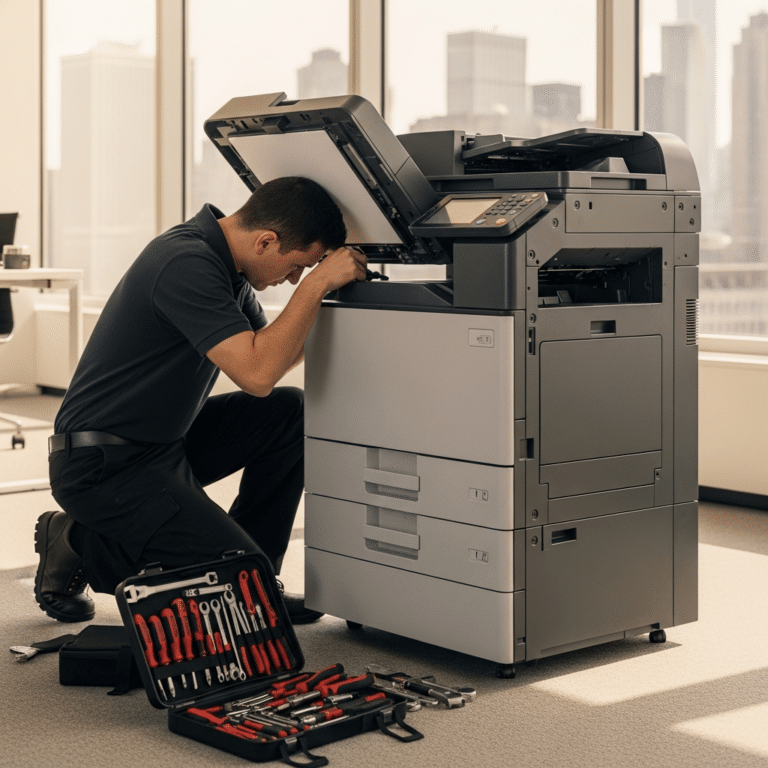
Your Brooklyn office depends on functioning copiers and multifunction printers every single workday. When that equipment goes down, your team loses the ability to process contracts, send invoices, and handle day-to-day paperwork that keeps operations moving. For related reading, see our guide on importance of high quality printer paper.
Copier repair in Brooklyn has become a high-demand service as more businesses return to in-person operations across the borough. From Downtown Brooklyn law firms to Williamsburg creative agencies, the need for fast, professional equipment service continues to grow.
Finding a repair provider that understands commercial-grade equipment and can respond quickly within your neighborhood matters more than most office managers realize. The difference between a four-hour response and a next-day response can translate directly into lost revenue.
Common Copier Problems in Office Environments
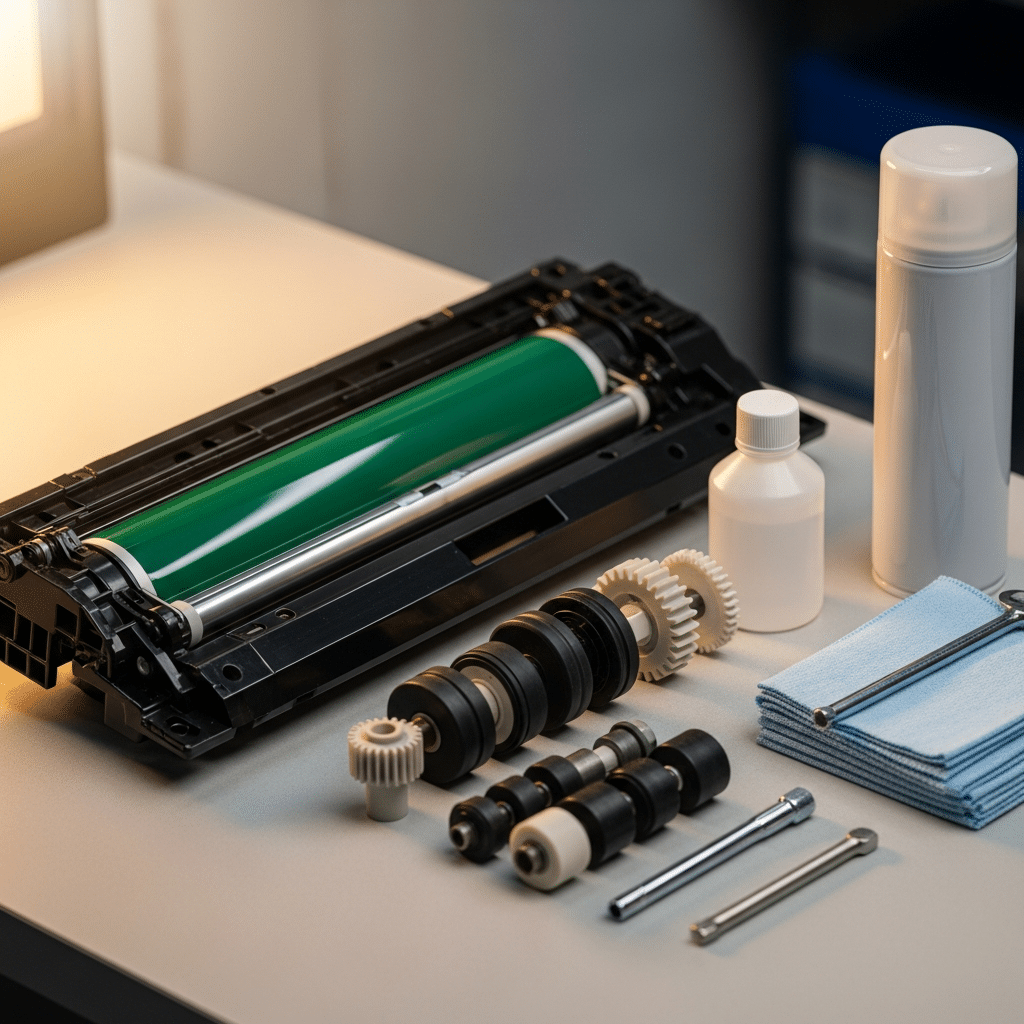
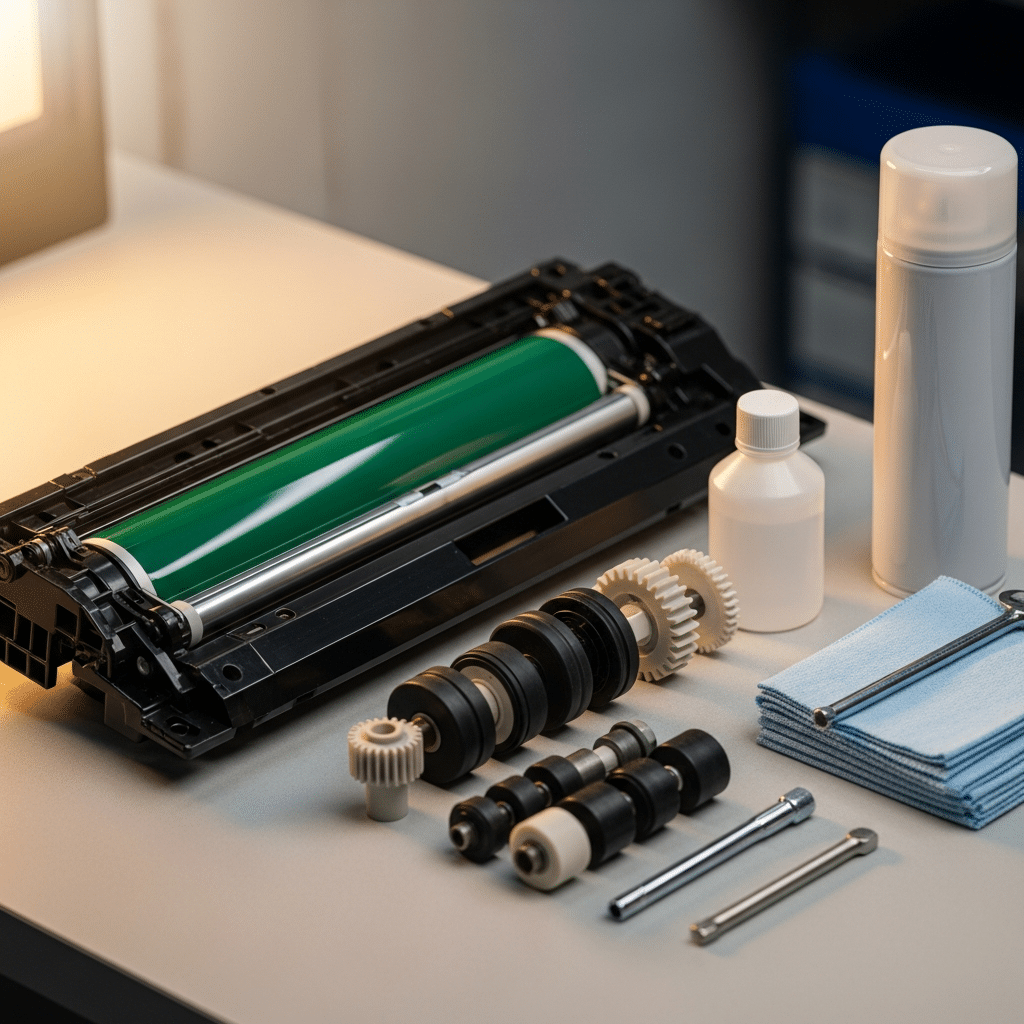
Paper jams account for the largest share of copier service calls in commercial settings. Most recurring jams point to worn feed rollers, misaligned paper trays, or humidity damage to stored paper stock.
Streaked or faded prints usually indicate a failing drum unit or depleted toner cartridge. These symptoms often appear gradually, so your staff may not notice the quality drop until a client-facing document looks unprofessional.
Error codes on the display panel can signal anything from a minor sensor fault to a major fuser assembly failure. Your repair technician should be able to decode these on arrival and carry the most common replacement parts in their service vehicle.
Network connectivity failures prevent your copier from receiving print jobs from workstations. This problem has become more frequent as offices add wireless printing and cloud-based document management systems to their workflows.
Slow print speeds often result from outdated firmware, memory limitations, or print queue congestion on the network. A trained technician can diagnose whether the bottleneck sits in the machine itself or in your network configuration.
When to Repair Your Copier vs. Replace It
The general rule among equipment specialists is to consider replacement when repair costs exceed 50 percent of the price of a comparable new unit. Your copier’s age, monthly page volume, and available parts supply all factor into that calculation.
Copiers manufactured within the last five years typically have strong parts availability and manufacturer support. If your machine falls in that window and the repair is straightforward, fixing it almost always makes more financial sense than buying new.
Machines older than eight years often suffer from discontinued parts and declining compatibility with modern network standards. At that point, the total cost of ownership shifts in favor of replacement, especially when you factor in energy efficiency gains from newer models.
Your repair provider should give you an honest assessment rather than pushing a replacement sale. Ask for a written estimate that includes parts, labor, and a short-term warranty on the completed work.
Choosing a Copier Repair Service in Brooklyn
Response time is the single most important factor when selecting a copier repair provider for your Brooklyn office. A company that guarantees same-day or next-business-day service within the borough gives you a measurable advantage over providers with vague timelines.
Look for technicians certified by the major manufacturers: HP, Canon, Xerox, Ricoh, and Brother. These certifications confirm that the technician has completed formal training on your specific equipment line.
Local providers with a physical presence in or near Brooklyn can stock parts for the most common machine models in the area. That local inventory means your repair gets completed in one visit rather than waiting days for a part to ship from a regional warehouse.
Ask about the provider’s experience with your specific copier brand and model. A technician who services ten Ricoh machines per week will diagnose your Ricoh problem faster than a generalist who sees one per month.
Turnaround Time Expectations for Copier Repairs
Standard copier repairs, including paper feed issues, toner system problems, and basic mechanical faults, typically take between one and three hours of on-site labor. Your provider should be able to quote a time estimate before the technician arrives.
Fuser replacements, drum unit swaps, and mainboard repairs may require a second visit if the part is not in stock. For Brooklyn offices, a well-stocked local provider can usually complete these within 24 to 48 hours of the initial diagnostic.
Rush service is available from most professional repair companies at a premium rate. If your copier supports a high-volume production environment, paying for priority service is often cheaper than the revenue lost during extended downtime.
Maintenance Contracts and Preventive Service Plans
A preventive maintenance contract covers scheduled service visits, typically quarterly or biannually, where a technician inspects your copier, cleans internal components, and replaces wear items before they fail. These contracts reduce unplanned breakdowns by a significant margin. For related reading, see our guide on Maintaining Printer for Longer Lifespan with Regular Care.
Most contracts include toner and drum replacements as part of the monthly fee. This predictable cost structure lets your office budget for printing expenses without surprise repair bills disrupting your cash flow.
Contract pricing varies based on your machine model, monthly print volume, and the level of coverage selected. Basic plans cover parts and labor during business hours, while premium plans add after-hours emergency service and loaner equipment.
Your provider should offer transparent reporting that shows what was serviced during each visit and what condition the machine is in. That documentation protects your investment and helps you plan for eventual equipment upgrades.
Copier Brands Commonly Serviced in Brooklyn Offices
HP multifunction printers dominate small and mid-size Brooklyn offices due to their competitive pricing and wide availability. HP machines are generally straightforward to repair, with parts stocked at most regional distributors.
Canon imageRUNNER and imagePRESS lines serve larger offices and print-heavy environments like architecture firms and marketing agencies. Canon’s commercial units are built for high monthly volumes and hold up well under sustained use.
Xerox remains the standard in legal, financial, and government offices across New York City. Xerox copiers are engineered for document-intensive workflows and offer advanced finishing options like stapling, hole-punching, and booklet-making.
Ricoh machines are common in healthcare practices, educational institutions, and mid-market corporate offices. Ricoh’s Smart Device Monitor software lets your IT team track usage and toner levels remotely.
Brother copiers fill the entry-level commercial niche for small businesses and satellite offices. These machines offer a lower upfront cost and are economical to maintain, though they are not built for the same volume as the brands listed above.
Brooklyn Copier Repair: Service Breakdown by Type
Data compiled from service records across Brooklyn commercial copier repair providers, 2025-2026. Sources: Copier Careers industry reports, Bureau of Labor Statistics, provider rate sheets.
| Service Type | Avg. Turnaround | Price Range | Coverage Area (Brooklyn) |
|---|---|---|---|
| Paper Jam / Feed Roller Repair | 1 – 2 hours | $95 – $175 | Downtown Brooklyn, Brooklyn Heights, DUMBO |
| Toner / Drum Replacement | Same day | $60 – $250 | Williamsburg, Park Slope, Flatbush |
| Fuser Assembly Replacement | 24 – 48 hours | $200 – $450 | All Brooklyn neighborhoods |
| Network / Connectivity Repair | 1 – 3 hours | $125 – $225 | Downtown Brooklyn, DUMBO, Williamsburg |
| Mainboard / Controller Repair | 2 – 5 business days | $350 – $700 | All Brooklyn neighborhoods |
| Preventive Maintenance Visit | Scheduled (quarterly) | $75 – $150 / visit | Park Slope, Brooklyn Heights, Flatbush |
| Full Copier Diagnostic | 1 – 2 hours | $85 – $150 | Downtown Brooklyn, DUMBO, Park Slope |
Frequently Asked Questions About Copier Repair in Brooklyn
How quickly can a copier repair technician arrive at my Brooklyn office?
Most professional copier repair providers serving Brooklyn offer same-day or next-business-day response times for standard service calls. Offices in Downtown Brooklyn, DUMBO, and Williamsburg typically see the fastest response due to technician proximity.
What does a typical copier repair cost in Brooklyn?
Standard repairs range from $85 to $250 depending on the issue and parts required. More involved repairs like fuser or mainboard replacements can run between $200 and $700. A diagnostic visit alone typically costs $85 to $150.
Is it worth getting a maintenance contract for my office copier?
Yes, for any office printing more than 5,000 pages per month, a maintenance contract typically saves 30 to 40 percent compared to paying for individual service calls. Contracts also include toner and drum replacements, which removes those costs from your supply budget.
Which copier brands are most commonly repaired in Brooklyn offices?
HP, Canon, Xerox, Ricoh, and Brother are the five brands that account for the vast majority of commercial copier repair calls across Brooklyn. HP and Canon lead in small to mid-size offices, while Xerox and Ricoh dominate larger corporate and legal environments.
Can a repair technician fix my copier on-site or does the machine need to be shipped out?
The majority of commercial copier repairs are completed on-site at your office. Technicians carry common replacement parts in their service vehicles. Only rare cases involving major component failures or specialized recalibration require the machine to leave your location.
For additional information about business resources in the borough, visit the Brooklyn Chamber of Commerce.
Schedule Your Brooklyn Copier Repair Today
Frequently Asked Questions
How much does copier repair cost in Brooklyn?
Most commercial copier repairs in Brooklyn run between $150 and $450 per service call, depending on whether the issue is a jam, a roller replacement, a fuser unit, or a drum. On-site diagnostic fees typically range from $75 to $125 and are often credited toward the repair if you approve the work.
How long does a typical copier repair take?
A routine Brooklyn service call usually takes 30 to 90 minutes on site. More involved repairs like fuser or drum replacements can take two to three hours if parts are already in the van. If a part has to be ordered, expect a one to two day turnaround.
Should you repair or replace an older office copier?
As a rule of thumb, once yearly repair costs exceed 30 percent of a replacement unit, it is time to retire the machine. Copiers older than six years or past 500,000 pages typically cost more to keep alive than to replace with a refurbished or new unit.
Frequently Asked Questions
How much does copier repair cost in Brooklyn?
Most commercial copier repairs in Brooklyn run between $150 and $450 per service call, depending on whether the issue is a jam, a roller replacement, a fuser unit, or a drum. On-site diagnostic fees typically range from $75 to $125 and are often credited toward the repair if you approve the work.
How long does a typical copier repair take?
A routine Brooklyn service call usually takes 30 to 90 minutes on site. More involved repairs like fuser or drum replacements can take two to three hours if parts are already in the van. If a part has to be ordered, expect a one to two day turnaround.
Should you repair or replace an older office copier?
As a rule of thumb, once yearly repair costs exceed 30 percent of a replacement unit, it is time to retire the machine. Copiers older than six years or past 500,000 pages typically cost more to keep alive than to replace with a refurbished or new unit.
Your copier problems do not fix themselves, and every hour of downtime costs your team productivity. Contact ABC Computer Services to schedule a diagnostic or repair visit at your Brooklyn office.