

When a Kyocera TASKalfa goes down in the middle of a New York closing or billing cycle, the real question is not whether to fix it, it is who can be on site fastest with the right part. The wrong answer costs you a day, a contract, or both.
ABC has spent decades servicing Kyocera printers and copiers across Manhattan, Brooklyn, Queens, the Bronx, and Staten Island. This guide gives you a working scorecard for repair types by model, real cost ranges, parts availability, and the repair versus replace threshold that actually applies to your machine.
New York Businesses that rely on a mix of printers, copiers, and other office equipment often find it more efficient to work with a single service provider who can handle repairs across every brand and device type in their fleet.
Key Takeaways
- Most Kyocera failures across TASKalfa and ECOSYS lines fall into five wear groups: fuser units, developer units, drum units, paper feed rollers, and transfer belts.
- Labor on Kyocera repairs in New York generally runs 125 to 175 dollars per hour on MFPs, with about 90 percent of calls resolved inside one billable hour.
- Repair is usually the right call when the quoted total stays under 50 percent of the replacement price and the machine has under 600,000 lifetime pages.
- Service contracts with scheduled maintenance kits cut emergency repair calls by roughly half compared to break-fix only coverage.
Why New York Businesses Rely on Kyocera Equipment
Kyocera TASKalfa and ECOSYS models show up in New York legal, medical, accounting, architectural, and nonprofit offices for two main reasons: low cost per page and unusually long drum life. The TASKalfa series is designed for high-volume, high-performance tasks, making them ideal for large organizations that require robust and reliable printing solutions, which is why a Tribeca creative studio and a Midtown law firm often run the same model family.
That long service life cuts both ways. A Kyocera unit that has run reliably for seven or eight years still has perfectly good electronics, but its rollers, fuser, developer, and waste toner system are usually well past their rated yields and start failing in clusters around the same service call.
The point of regular Kyocera service in New York is to catch those wear items in sequence rather than as a multi-day outage. Replacing a feed roller set on schedule lands around 180 dollars installed, while a fuser failure that pulls in a half-jammed sheet can wreck a 400 to 750 dollar fuser unit and burn most of a billable day.
That math is the same in a Madison Avenue ad shop running 1,500 color pages a day and a Garment District law firm running 4,000 monochrome pages a day. The volumes differ, the wear-item math does not.
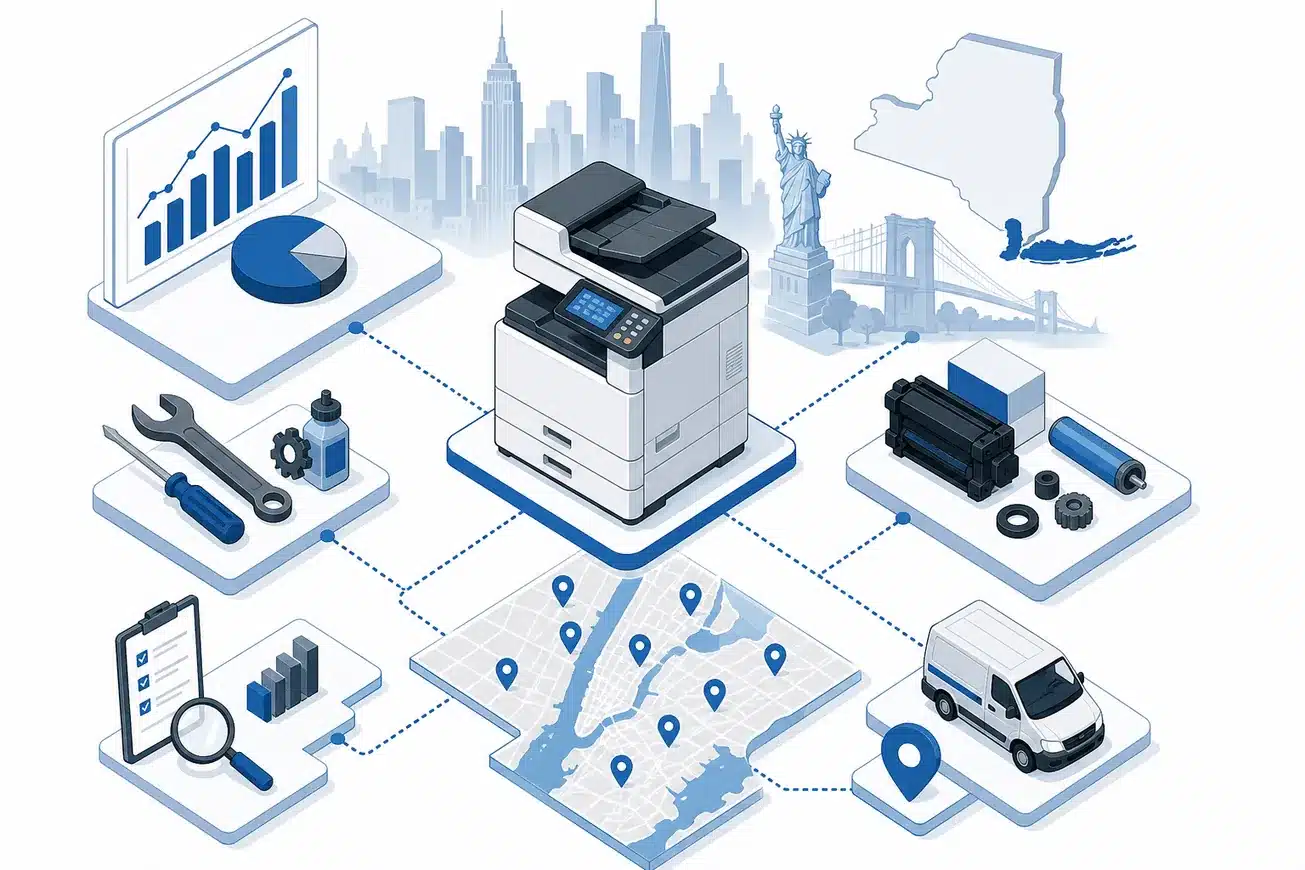
The Most Common Kyocera Failures We See in New York Offices
Paper path jams lead every Kyocera service log we keep across the five boroughs. They almost always trace to worn pickup rollers, a glazed separation pad, or paper that has absorbed humidity in a stockroom without climate control, a regular issue in older Manhattan and Brooklyn buildings.
Fuser errors come next, often as C6000 series codes on TASKalfa color machines or C2300 fuser motor codes that actually point upstream. C2300 indicates a fuser motor error on many Kyocera models (TASKalfa/ECOSYS).
Typical causes include poor motor connector contact, worn fuser gears/bushings, or excessive drive load. A failing developer unit (compacted mix, seized agitator, incorrect density) can increase drive torque and indirectly trigger C2300 during warm-up.
Developer unit failure on TASKalfa color machines produces gray haze, banding, light prints, or low-density output before it throws a hard stop code. Diagnosing the developer first, not the fuser, is what separates a one-hour repair from a return visit with the wrong part.
Scanner faults and network or driver problems round out the top five. These are the cheapest to fix when caught early and the most expensive to ignore, because they tend to look like operator error until the whole department stops being able to scan to email or push to a SharePoint folder.
Kyocera Repair Costs in New York by Model Class
Labor on Kyocera service calls in New York generally runs 125 to 175 dollars for the first hour on multifunction copiers, with quarter-hour increments after that. For all monochrome (B&W) and color Multi-Function Printers and copiers we charge a service labor fee of $125 for the first hour or part thereof and $80 for each additional hour divided into quarters.
Please note that it is our experience that 90% of all service issues can be resolved within an hour, which keeps a typical visit in the 125 to 200 dollar labor range.
Parts pricing depends on the line. A monochrome ECOSYS fuser runs 180 to 350 dollars, a TASKalfa mid-volume fuser runs 400 to 750 dollars, and a high-volume color TASKalfa fuser or developer can land between 700 and 1,400 dollars depending on the kit revision.
Maintenance kits, which bundle multiple wear items into one scheduled visit, range from about 350 dollars on an ECOSYS M2540 class machine to well over 1,800 dollars on a TASKalfa 6500i or 8000i. Kyocera TASKalfa 5500i Maintenance Kit, 600K, Genuine, Genuine Kyocera Kit Kit Includes: (1) 120V Fuser Unit (1) Developer Unit (1) Drum Unit (2) Top Filters (2) Left Side Filters (1) Belt Assembly is a typical example of the parts retired on one truck roll.
Diagnostic visits without repair are usually billed at the first-hour labor rate. Most New York Kyocera service partners waive travel time when the office sits inside the five boroughs and parts of Westchester or Nassau, so the total bill stays predictable.

Parts Availability and the Truck Stock That Matters
Kyocera parts move through a small set of US distribution channels, and same-day availability in New York depends almost entirely on what the service vehicle already carries. A technician without the right MK kit, fuser, or transfer belt is doing an inspection, not a repair.
Trucks supporting a mixed Kyocera fleet in New York should carry maintenance kits for the top five model families they service, plus a rotating set of fusers, developers, drums, paper feed assemblies, and waste toner bottles. That usually works out to 100 to 150 SKUs per vehicle, with the rest available overnight from regional distribution.
We carry an impressive inventory of spare part for these machines in our service vehicles at all times, and the practical effect in New York is that bridge traffic and double-parking rules rarely turn into return visits. When a part is not on the truck, expect a one to three day delay on common items and up to two weeks on legacy or end-of-life components.
Kyocera supports most TASKalfa and ECOSYS models for roughly seven years past launch. After that window, parts become harder to source, prices climb, and the repair versus replace conversation shifts toward replacement on its own.
Repair vs Replace: When Each Path Wins
Repairing your Kyocera copier will likely cost less than replacing it. If the copier meets your business needs and the repair estimate is less than the cost of replacing the copier, we suggest fixing the copier.
The working threshold we use in New York is 50 percent of replacement price, paired with a lifetime page count under 600,000.
Lifetime page count is the single best leading indicator. A TASKalfa rated for 1.2 million pages that has already produced 900,000 will demand a maintenance kit, a developer set, and probably a feed assembly within the next 12 months, so the next repair is almost never the last one
.
Other replace triggers include repeat board-level failures, security gaps on Windows 7 era controllers, and obsolete network protocols that fail modern SOC 2 or HIPAA audits. A working copier that cannot pass your client’s security review is not actually working.
On the other side, a five-year-old ECOSYS M3145 with 180,000 pages and a stuck pickup roller is a 30 minute repair on a 50 dollar part. There is no scenario where replacing that machine makes financial sense.
Service Contracts vs Break-Fix Coverage in New York
A Kyocera service contract typically bundles preventive maintenance, included labor, included parts, and a guaranteed response window. The standard contract response in New York is four business hours, while break-fix calls target same business day when placed before 1 p.m., similar to how most of our service centers have a standard response time of 4-hours.
All-in cost per page on a contract typically runs 0.008 to 0.015 dollars for monochrome and 0.05 to 0.08 dollars for color. Break-fix avoids the monthly commitment but loses both the priority queue and the bundled parts pricing.
Practices and firms that print over 5,000 pages a month almost always come out ahead on a contract once a single major failure is included in the math. Light-use offices with one ECOSYS desktop unit usually do better on a break-fix plan with a stocked spare toner on the shelf.
The contract conversation also covers common replacement parts include fuser units, rollers, and drum units for TASKalfa printers, and toner cartridges and maintenance kits for ECOSYS devices, all of which can be folded into the scheduled visits rather than billed line by line.
Preventive Maintenance Schedules That Actually Pay Off
Kyocera publishes page-yield intervals for every wear item, but those numbers are upper bounds, not appointment dates. A TASKalfa 5054ci running heavy color coverage in a SoHo design studio will hit fuser fatigue 20 to 30 percent earlier than the spec sheet predicts.
The maintenance kits exist to make the call cheap when it does come. Kyocera TASKalfa 308ci Maintenance Kit, includes Fuser, Drum, Transfer & DV Units, Genuine, Genuine Kyocera Kit, Estimated yield 200,000 pages Kit Includes: Retard Roller Assembly, Drum Unit, Developer Unit Black, Fuser Unit, Transfer Belt Assembly, 2nd Transfer Assembly, Pickup Holder Assembly.
Installing a kit on schedule typically saves a separate fuser call plus a separate developer call later in the year. The labor delta alone often pays for half the kit, and the avoided downtime pays for the rest.
How to Choose a Kyocera Service Partner in New York
Three questions tell you almost everything you need to know. Ask how many Kyocera-certified techs they employ, how many of your model’s parts they keep on the truck, and what their average on-site response time looked like last quarter, not in their marketing copy.
Local matters in New York more than in most markets. Traffic on the FDR, bridge delays, and Midtown loading dock rules can turn a 12-mile drive into a three-hour commitment, so a partner with techs distributed across the boroughs beats a single centralized depot every time.
Ask for references in your own vertical. A law firm benefits from a service partner that already supports other law firms because they understand legal-size paper handling, scan-to-email retention rules, and after-hours filing deadlines on the night before a motion is due.
Frequently Asked Questions
What is a typical response time for Kyocera repair in New York?
Contract clients usually see a four business hour response window from call to on site. Break-fix calls placed before 1 p.m.
are typically handled the same business day, and calls after that window are usually booked first thing the next morning.
Which Kyocera models do you service across New York?
We service the current TASKalfa and ECOSYS lines, including TASKalfa 2554ci, 3554ci, 4054ci, 5054ci, 6004i, and 7004i, plus ECOSYS M2540dn, M3145dn, M3645idn, M5526cdw, and P3155dn. Older Copystar branded units and FS series legacy printers are also covered case by case once we confirm parts availability.
If your office also runs Canon copiers alongside Kyocera equipment, our Site:abccomputerservices.com page for Canon Copier Repair Services NYC outlines the same on-site support and parts availability for that brand across the five boroughs.
How do I know if my Kyocera is worth repairing instead of replacing?
Run two checks before you decide. First, compare the quoted repair cost to roughly 50 percent of a comparable new machine’s price, and second, look at lifetime page count against the machine’s rated yield, because past 70 percent the next repair is rarely the last one.
Do your trucks carry Kyocera parts or do you have to order them?
Our New York service vehicles carry the most common fuser units, drum and developer assemblies, maintenance kits, feed rollers, and waste toner bottles for the Kyocera models we see most often. If a needed part is not on the truck, common items ship overnight from regional distribution while end-of-life parts can take a week or two.
Are Kyocera maintenance kits worth installing on schedule?
Yes for any machine running more than about 3,000 pages a month. A scheduled kit retires the fuser, drum, developer, and rollers in one visit, which costs less labor and less downtime than chasing each failure individually over the next year.

About the author
Steve Dempsey - Owner
Steve Dempsey is the owner of ABC Computer Services, a New York City printer and copier repair firm that has served businesses, government, and education accounts for over 20 years.